مهندسی سامانههای هوش مصنوعی · فصل ۵ — ComfyUI و Blender Automation · 151
Blender Headless Automation
Design a bounded Blender headless job contract that pins Blender build/version, input `.blend` and automation-script digests, command-line argument order, background mode, scene/frame/output settings, auto-exec trust policy, environment/assets, timeout and resource limits; capture stdout/stderr/exit status and validate the produced artifact separately before downstream code treats the job as successful. میتواند «Blender Headless Automation» را در یک workflow AI محدود طراحی کند و validation، authority، cost یا failure controls مرتبط را مشخص کند.
Lesson summary
Design a bounded Blender headless job contract that pins Blender build/version, input `.blend` and automation-script digests, command-line argument order, background mode, scene/frame/output settings, auto-exec trust policy, environment/assets, timeout and resource limits; capture stdout/stderr/exit status and validate the produced artifact separately before downstream code treats the job as successful.
میتواند «Blender Headless Automation» را در یک workflow AI محدود طراحی کند و validation، authority، cost یا failure controls مرتبط را مشخص کند.
This lesson produces
میتواند «Blender Headless Automation» را در یک workflow AI محدود طراحی کند و validation، authority، cost یا failure controls مرتبط را مشخص کند.
Who it is for
Foundation
Use a guided lesson-specific evidence matrix and one worked negative case.
Repair
Re-run only the failed owned dimension with a smaller deterministic synthetic fixture.
Experienced
Start from mixed current-tool and synthetic product evidence; require explicit trade-offs and provenance.
Prerequisites
1. The real problem: headless is not deterministic
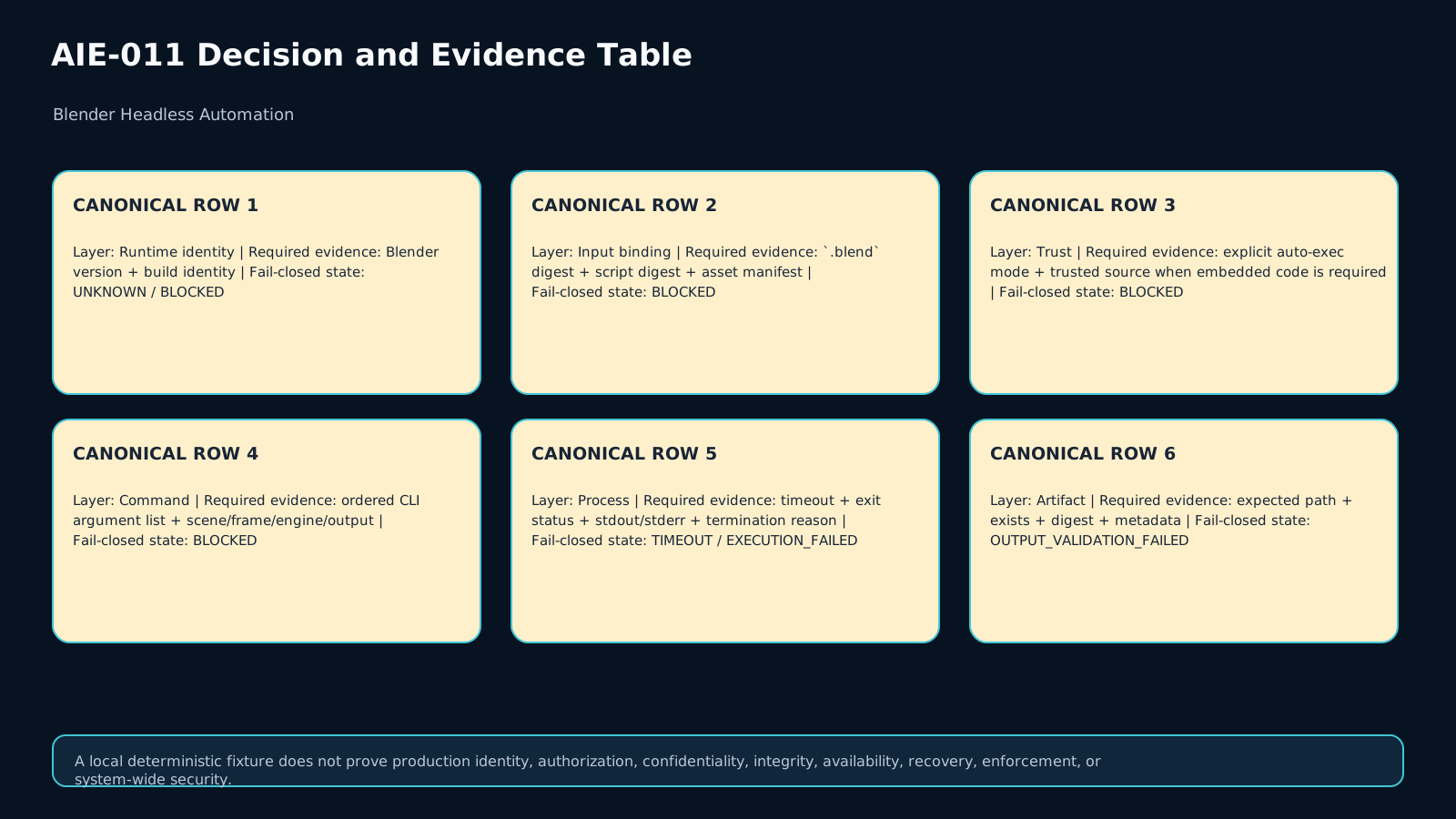
Running Blender with --background removes the interactive UI, but it does not prove that a job is reproducible, trusted, or successful. A bounded automation job must identify the Blender build, .blend bytes, automation script, external assets, scene/frame/engine settings, and script-execution policy. The owned artifact is Blender Headless Job Contract & Render Evidence Record v1, which keeps launch qualification, process termination, and artifact validation separate.
2. Lesson boundary and non-goals
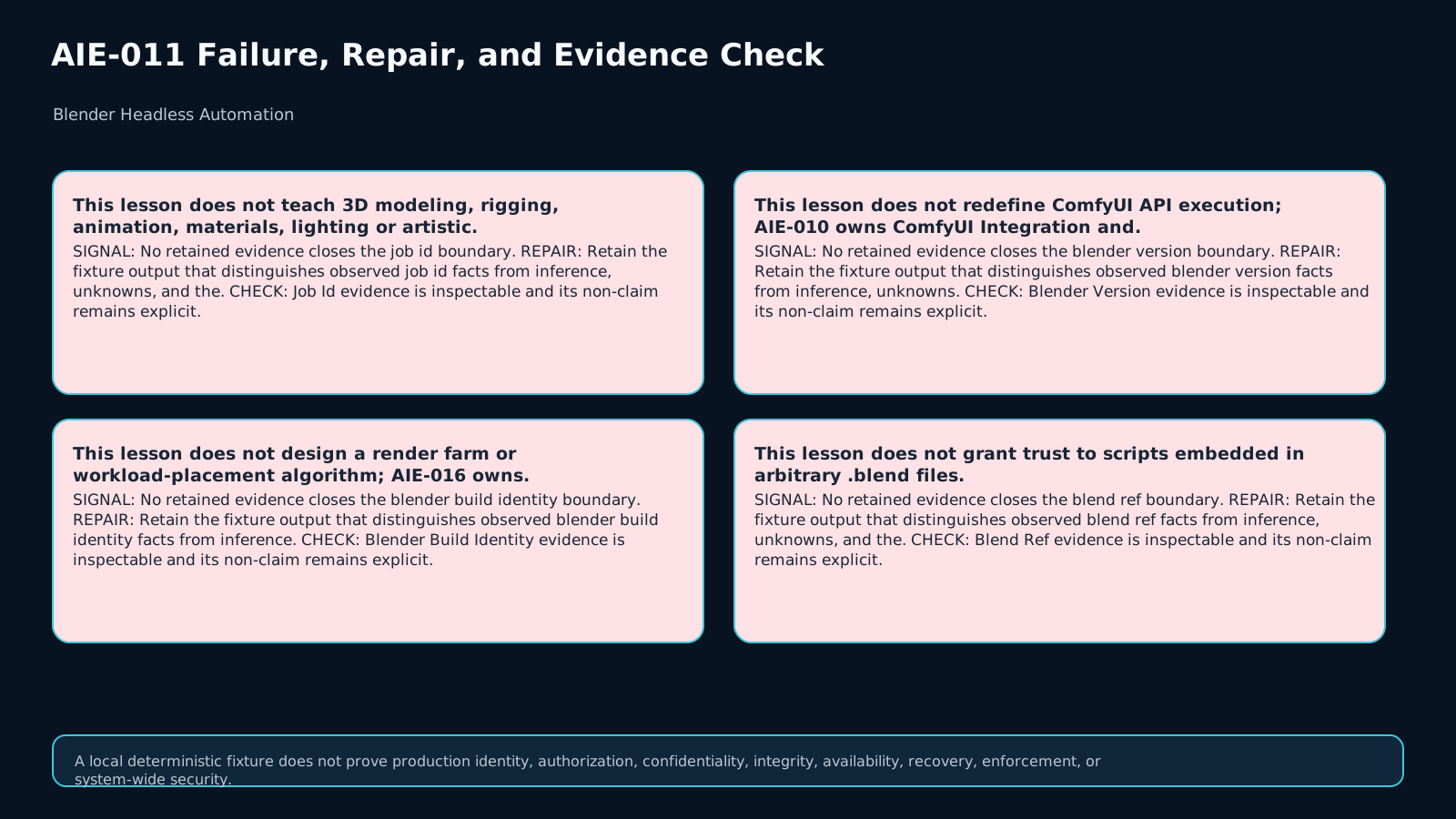
This lesson does not teach modeling, rigging, animation, lighting, materials, or artistic render choices. The creative task is assumed to be specified already. It also does not design a render farm or scheduler and does not redefine ComfyUI execution. The bounded question is: did this exact job, with these inputs and this policy, run and produce the exact expected artifact?
3. A three-stage evidence model
Do not collapse three checkpoints. Qualification asks whether the job is permitted and sufficiently bound to run. Execution records how the process terminated. Artifact Validation checks whether the expected file exists and matches its digest and metadata contract. exit code = 0 is process evidence only; an expected render may still be absent, stale, or produced with the wrong scene or frame.
4. Job identity and Blender pinning
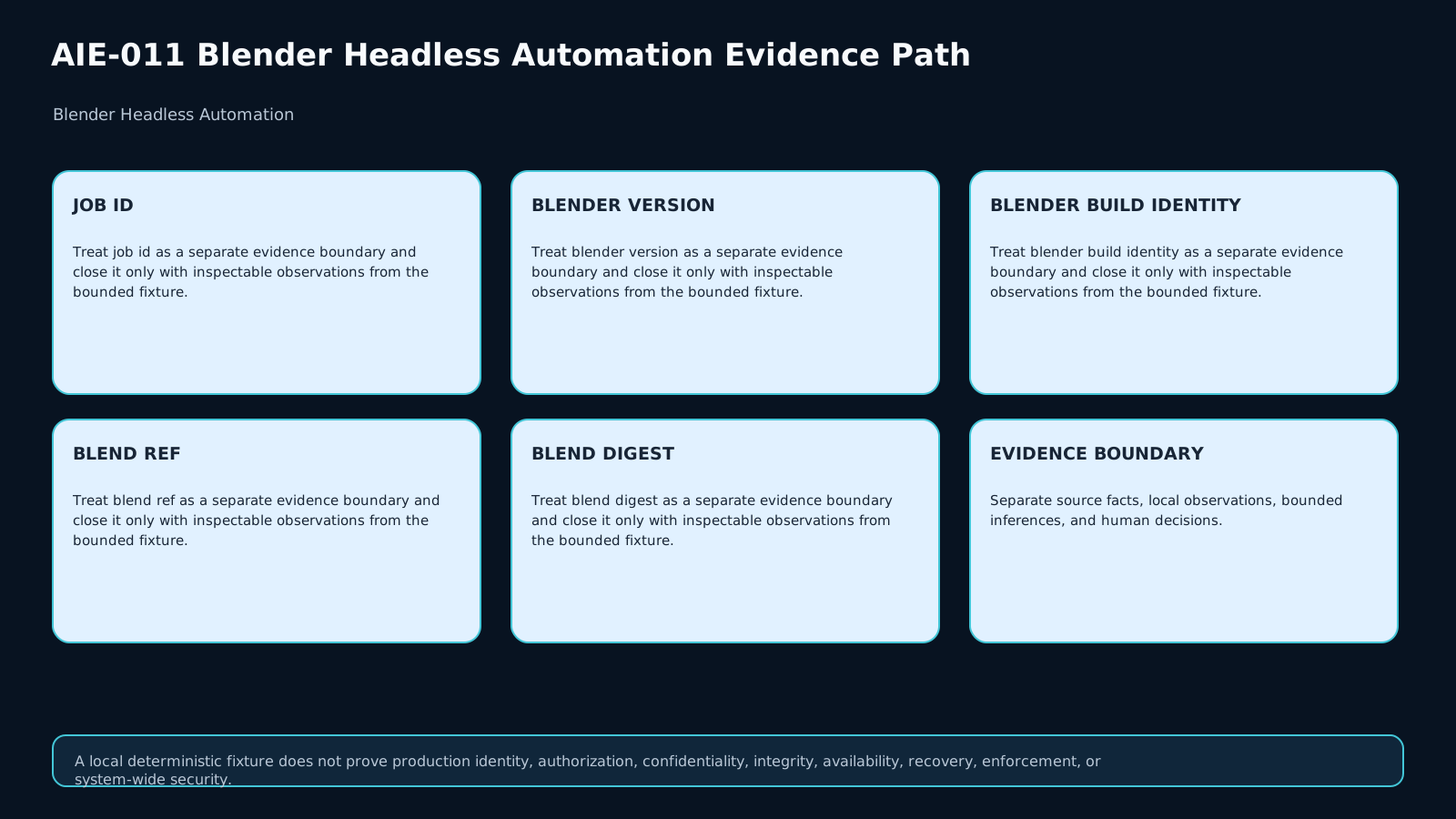
Record a job_id, Blender version, build identity, and executable identity. A generic product version is weaker than a concrete observed build. Preserve the difference between declared and observed version evidence. If the required build cannot be established, keep UNKNOWN or BLOCKED; do not silently substitute a nearby installation.
5. Bind the .blend, script, and assets
The .blend file and automation script are both inputs and should be bound by digest. External textures, caches, linked libraries, fonts, and other dependencies belong in an asset manifest. Filenames and paths are lookup aids, not byte identity. If an input digest changes, prior execution evidence cannot be inherited without a new job qualification.
6. CLI argument order is part of the job contract
Blender processes command-line arguments in order, and loading a blend file can overwrite settings supplied earlier. Store the command as an ordered argument list, not an unordered set of flags. Render triggers such as -f or -a should come after the settings they depend on. Reordering identical tokens can change the effective job.
7. Background mode and Python automation
A documented non-interactive pattern is blender --background ... --python script.py. Background mode provides a UI-less execution surface; it does not certify the script. The script should consume explicit inputs and produce observable evidence such as logs, output files, or metadata. Hidden desktop state and manual clicks should not be required for a production job.
8. Auto-exec is a separate trust decision
A .blend file may contain drivers or scripts whose automatic execution matters. Blender exposes --enable-autoexec and --disable-autoexec controls for command-line execution. Policy must decide before launch whether embedded code is required and whether its source is trusted. If embedded execution is required but provenance is not approved, the correct state is BLOCKED, not “enable it until it works.”
9. Make scene, frame, engine, and output explicit
Record the scene, frame or frame range, render engine, output path, and output format. Rely on values stored inside the blend only when the exact blend digest is bound and policy permits that source of configuration. Normalize output paths and verify permissions. If frame 42 is required, the existence of some other image is not evidence of success.
10. Environment and external dependencies
Record or bound the working directory, relevant environment variables, asset roots, OpenColorIO configuration, and meaningful resource limits. Anything environmental that can change the result belongs in an environment manifest or an explicit non-claim. Missing required assets should block the job rather than quietly produce a degraded artifact that downstream code cannot distinguish.
11. Timeout, resource bounds, and process evidence
Every job needs a timeout and a termination reason. Capture stdout, stderr, and exit status. A timeout is not the same as a nonzero exit, and neither is the same as a pre-launch policy block. This distinction matters for retry and audit. Retries should also carry an idempotency key so repeated orchestration does not create uncontrolled duplicate outputs.
12. Artifact validation is independent
After process completion, verify file existence, digest, dimensions, format, and other required metadata. For a PNG, inspect image dimensions and format; for a blend or exported asset, use an appropriate contract. artifact_exists = true is insufficient. If the process exits 0 but the required artifact is absent, emit OUTPUT_VALIDATION_FAILED.
13. Recommended state machine
Invalid policy or unqualified inputs before launch → BLOCKED. Deadline exceeded → TIMEOUT. Nonzero process exit → EXECUTION_FAILED. Process completed but artifact missing or mismatched → OUTPUT_VALIDATION_FAILED. Only when qualification, execution, and artifact validation all pass → VERIFIED_RESULT. Preserve UNKNOWN whenever required evidence is missing.
14. Worked case and counterexamples
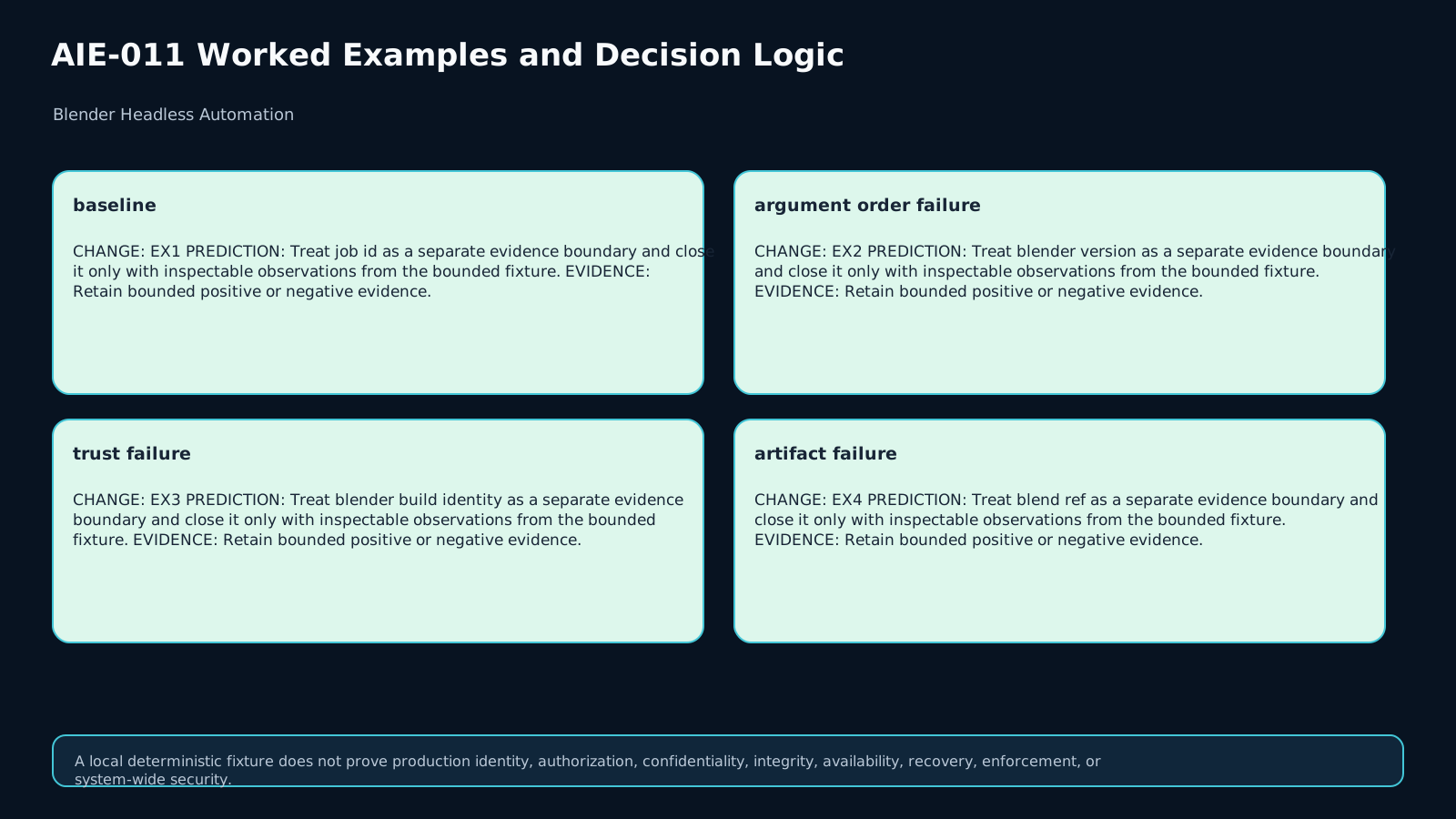
Baseline: pinned Blender 4.5 LTS/build identity, digest-bound scene-v12.blend and render.py, scene Product, frame 42, PNG output with expected dimensions, complete asset manifest, auto-exec disabled, and a 240-second timeout. Counterexample 1: an output option is applied before the blend load and is overwritten. Counterexample 2: embedded code is required but the source is not trusted. Counterexample 3: exit code is zero but the target PNG is missing. None of those cases justify verified success.
15. Transfer and final checklist
In the transfer case, a new source requires an approved embedded driver and the output location changes. Rebind the new input digests, record trusted provenance, enable auto-exec only under explicit policy, and apply output configuration after loading the blend. Then validate the process and artifact separately. Final checklist: build pinned, input digests bound, assets complete, CLI order explicit, trust policy explicit, timeout/logs captured, and artifact digest/metadata verified. Only then is downstream handoff ready.
Assessment
There is no answer key in this lesson pack; answer it yourself and mark honestly. "Needs review" sends the lesson to your review queue.
Q1
Why can exit code 0 not prove a valid Blender render?
Q2
A blend requires an embedded driver but provenance is untrusted. What state should be emitted?
Q3
Explain why Blender CLI order belongs in the job record.
Q4
Transfer: output path moves and approved embedded code becomes required. Rebuild the evidence path.
Assessment rubric
A passing response must:
- Pin Blender/build identity and exact blend/script bytes.
- Treat command ordering as part of the effective job.
- Make auto-exec a source/trust decision, never an automatic workaround.
- Preserve distinct process states for block, timeout, nonzero exit, and completed process.
- Validate expected artifact existence, digest, and required metadata independently.
- Emit
VERIFIED_RESULTonly when all three stages pass. - Rebind evidence in the transfer case rather than inheriting the old successful run.
References & freshness
Case studies
Lesson visuals
Lab files
You receive eight synthetic job records. Your task is to implement a small evaluator in starter.py that keeps job qualification, process execution, and artifact validation separate.
Required result fields:
version_pinnedinputs_boundcli_order_validtrust_gateprocess_stateartifact_statefinal_decisionhandoff_ready
Do not execute Blender or call an external service. The fixtures are local and synthetic. Use run_checks.py first to verify that the learner-visible fixture set is complete. Your evaluator should fail closed: missing trust, missing assets, invalid argument order, timeout, process failure, or invalid output must never become VERIFIED_RESULT.
Lesson media & slides
Teaching files (download)